Light Ring Behavior
Description
Your robot may use its light ring along with sounds and app notifications to communicate its status.
Light Location
| Roomba® s9 Robot Vacuum Braava jet® m6 Robot Mop |
i Series, j Series, and Combo 10 Max Robot Vacuums |
| Light Ring will appear around the lid. | Light Ring will appear around the CLEAN Button. |
Light Color
- White - I'm awake and everything is normal
- Blue - I'm doing something special
- Red - There's a problem; Visit the app or press CLEAN for Roomba to repeat the error message
- Green - Remote check-in mission; Click here for more detail
Light Pattern
The Light Ring will move in patterns on smart robot models (i, e, s, m, and j series).
Light Ring While Idle
When robots are on their dock, they are charging or hibernating. You will see lighting patterns that match the current state of the robot.
Note: The light on the Home Base® will go on for approximately four (4) seconds and then turn off and remain off while the robot continues to charge.
When the robot is running a mission, and pauses or performs a mid-mission charge before resuming, the light ring pattern will continue for the duration of the activity. The color and pattern code is as follows:

A red circle spinning means low battery (under 15% charged).
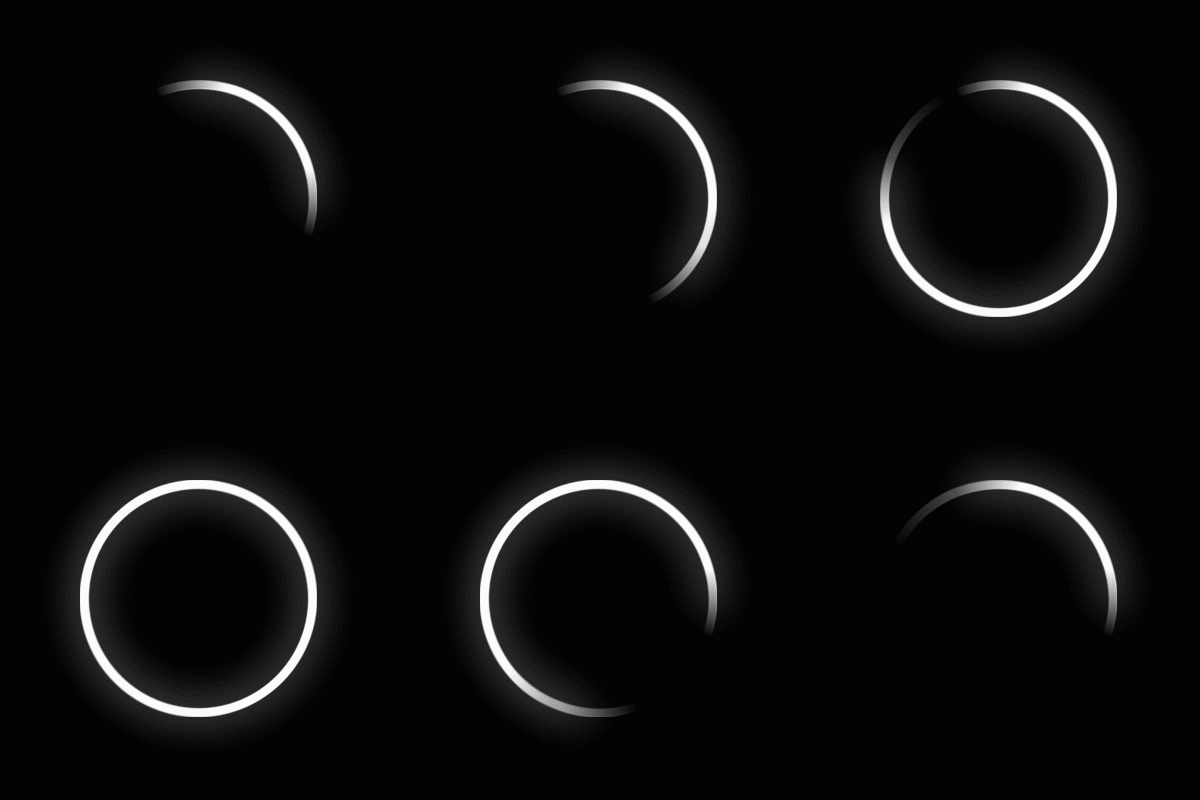
A white circle spinning with one quarter fix means sufficient charging (over 15% charged).
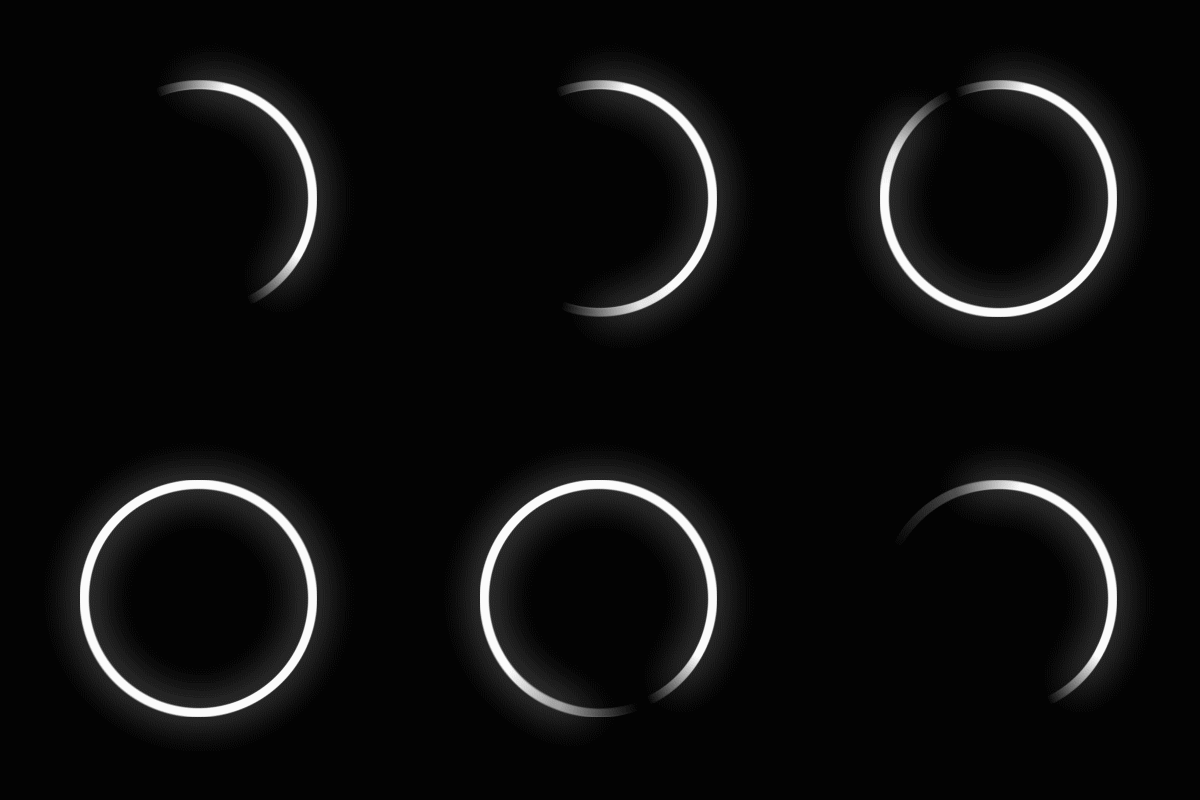
A white circle spinning with one third fix means sufficient charging (over 33% charged).
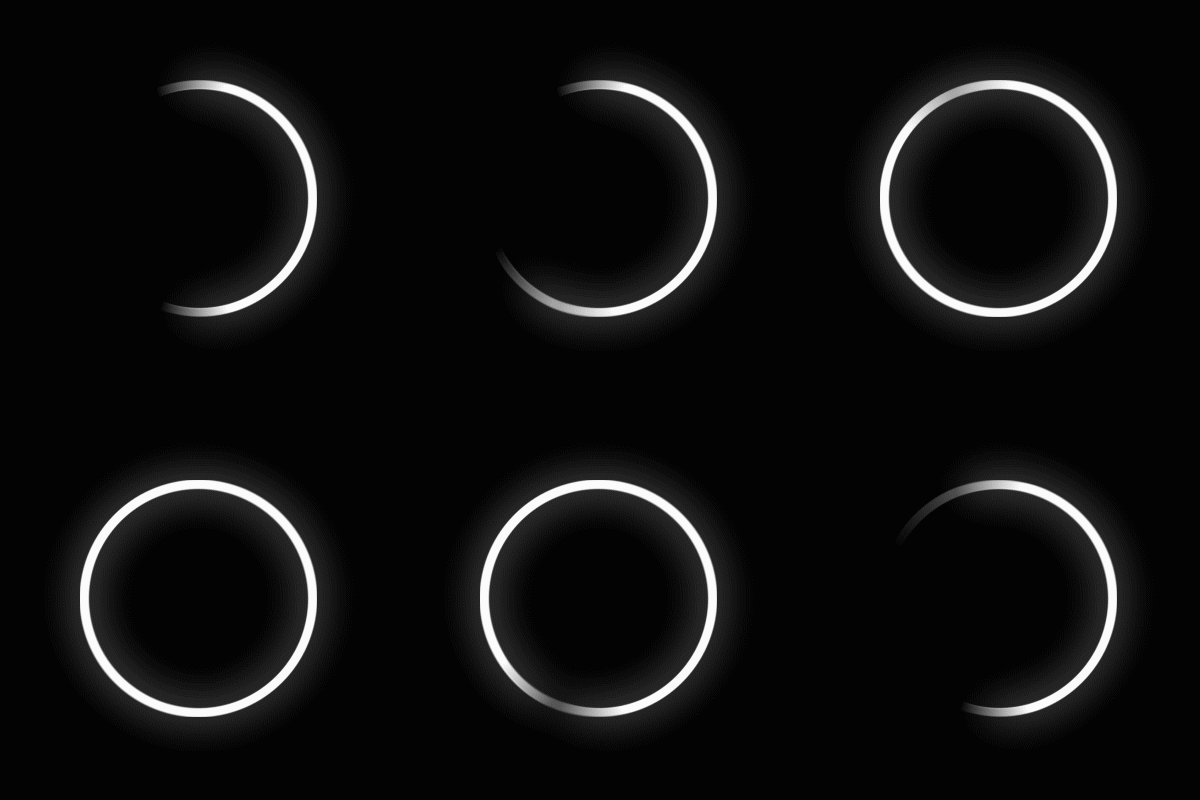
A white circle spinning with one half fix means sufficient charging (over 50% charged).
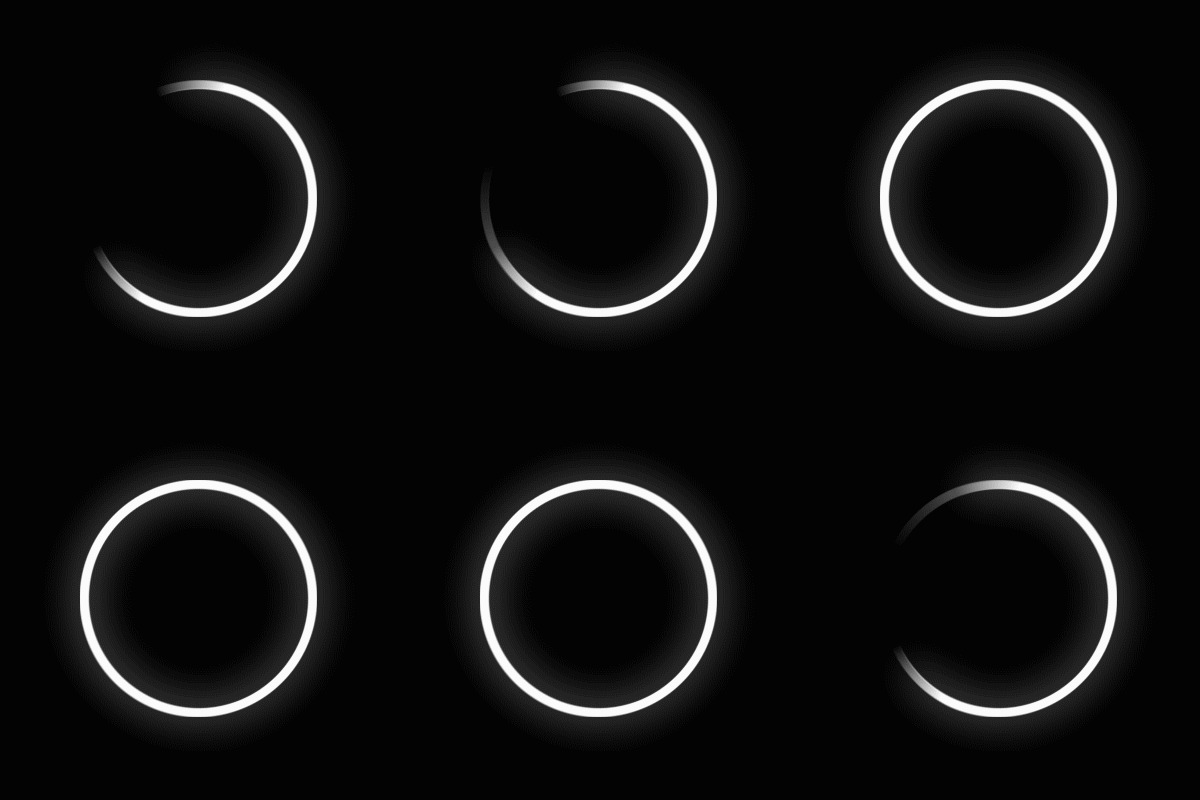
A white circle spinning with 2 third fix means sufficient charging (over 65% charged).
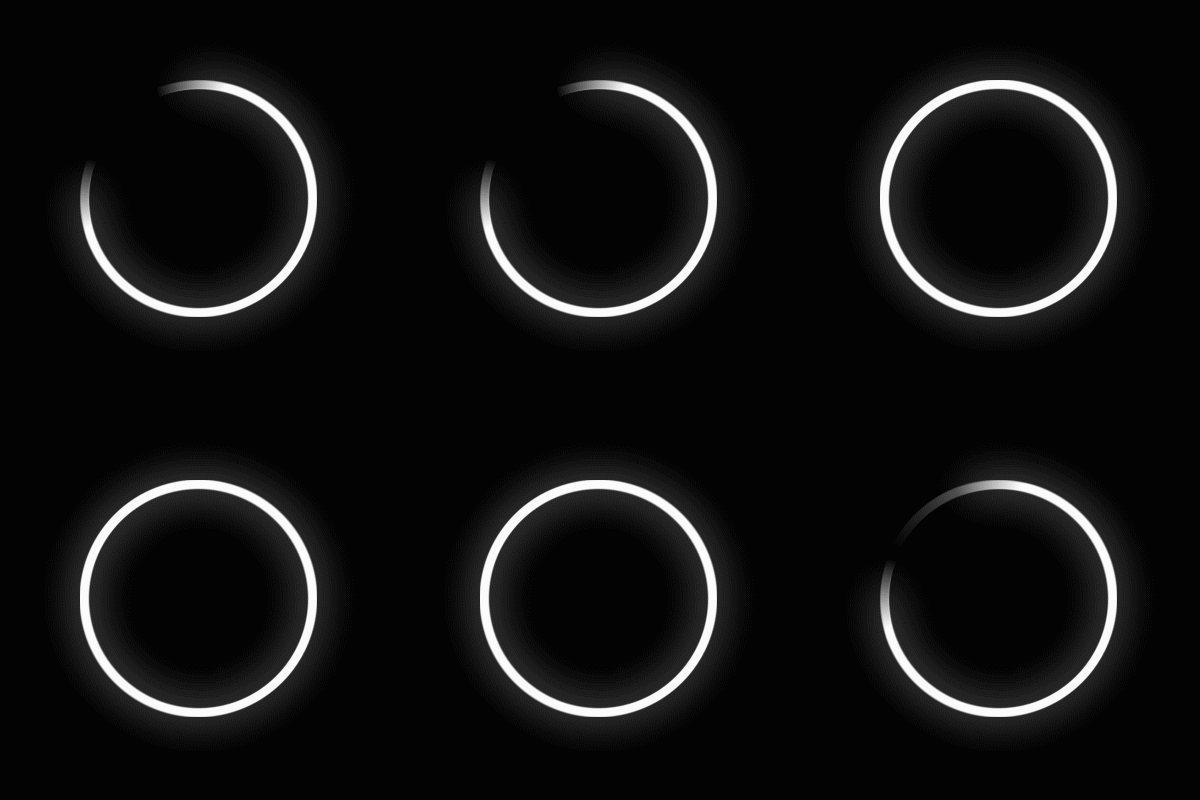
A white circle spinning with 3 quarters fix means sufficient charging (over 85% charged).
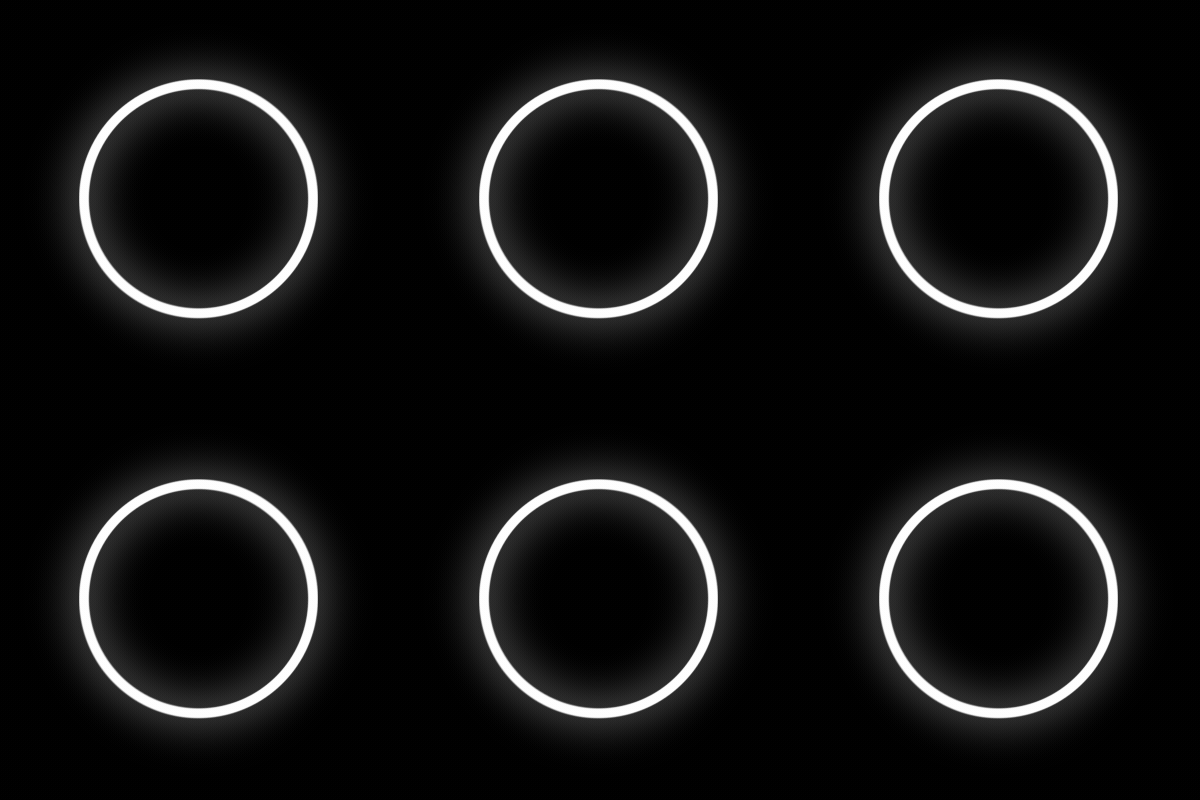
A white circle spinning with solid white ring it means sufficient charging (fully charged).
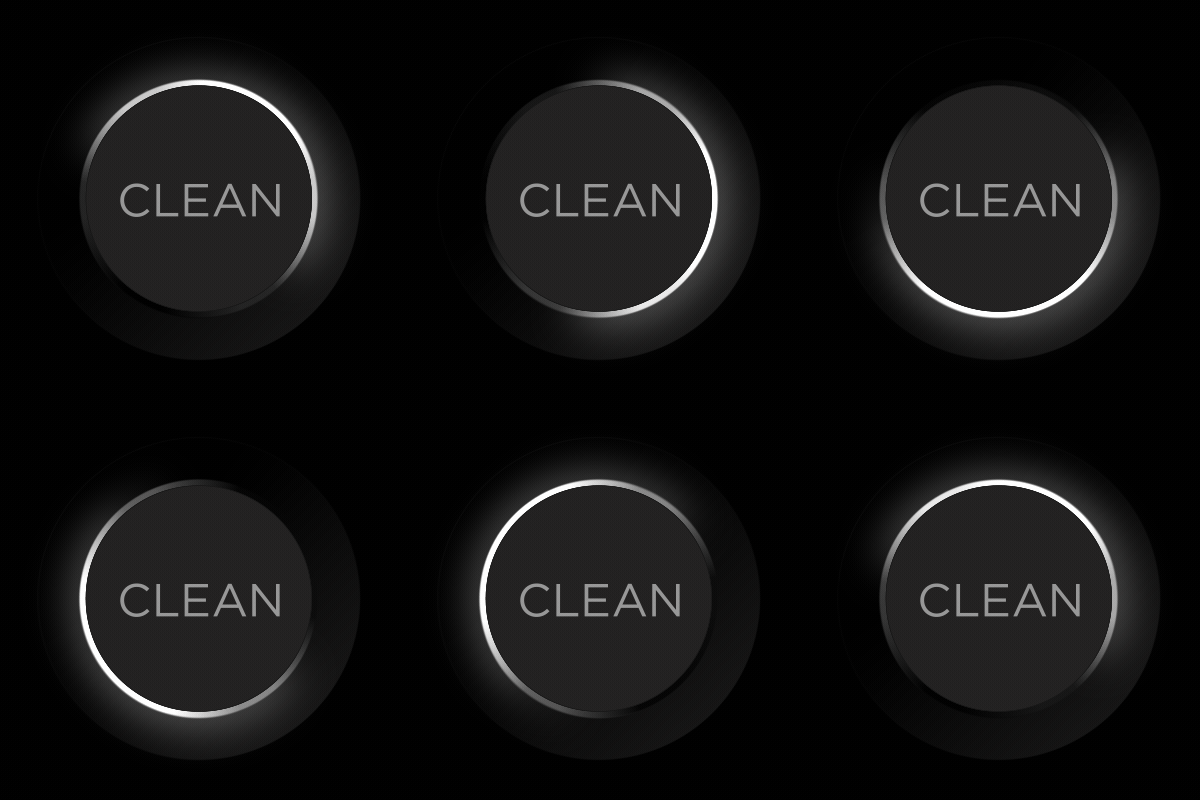
White clockwise swirl: Starting up or updating software (please wait).
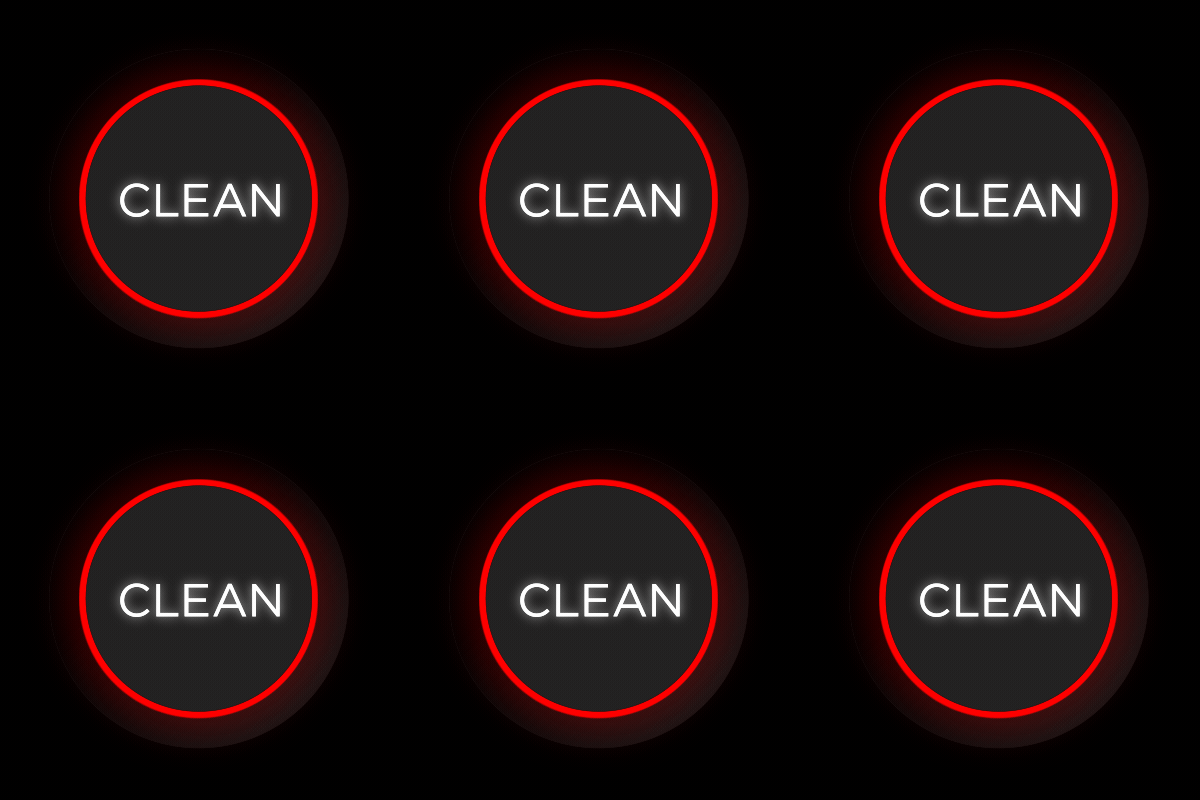
Solid red: There is an Error. Tap Clean for the robot to repeat the error. Errors are also shown in the iRobot HOME App on WiFi-enabled models.
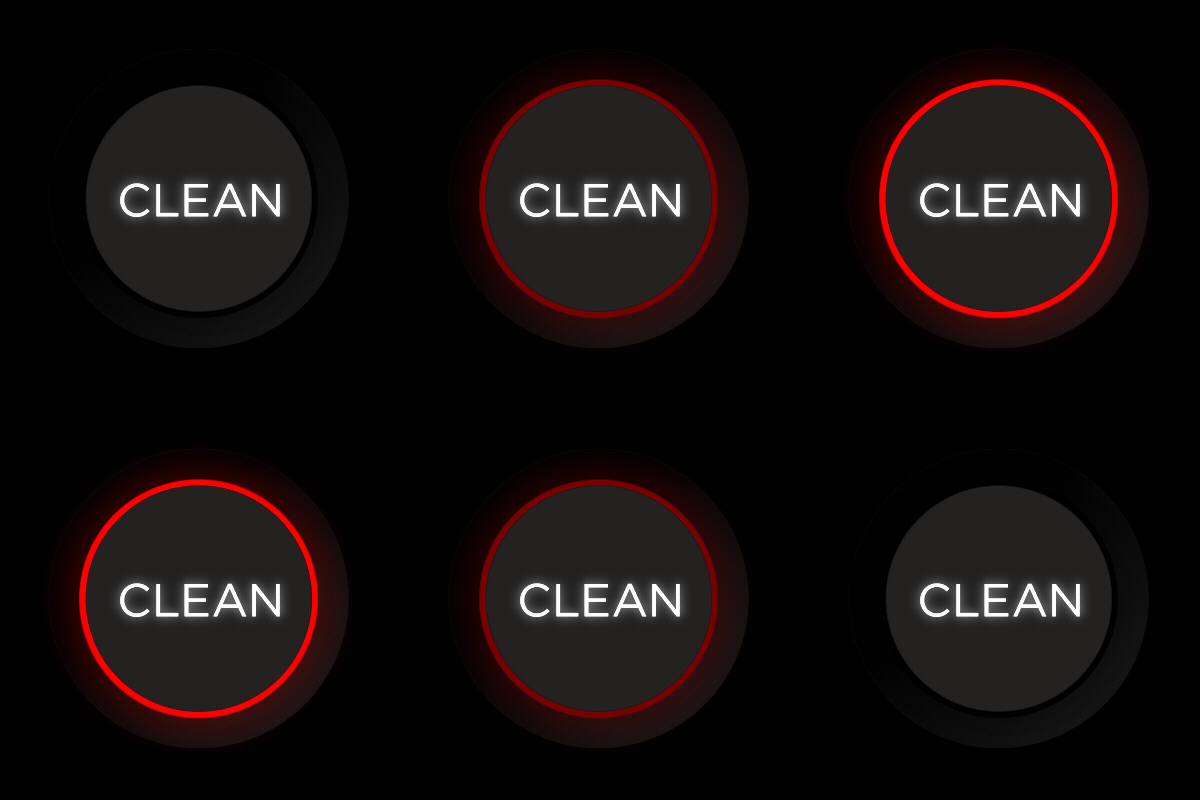
Pulsing red: Charging, too low to start. The battery needs to be charged. Leave the robot on the base. If it's still not fully charged after 3 hours visit Why does my Roomba® or Braava® not turn on or charge properly?

Red sweep toward rear: On Roomba, this means the dust bin is full and needs to be emptied.
On a Braava m6, this means the water tank is empty and needs to be filled.

Blue clockwise spinner: In Wi-Fi pairing mode.
Light Ring While Cleaning

Periodic white sweep: Cleaning job in progress.
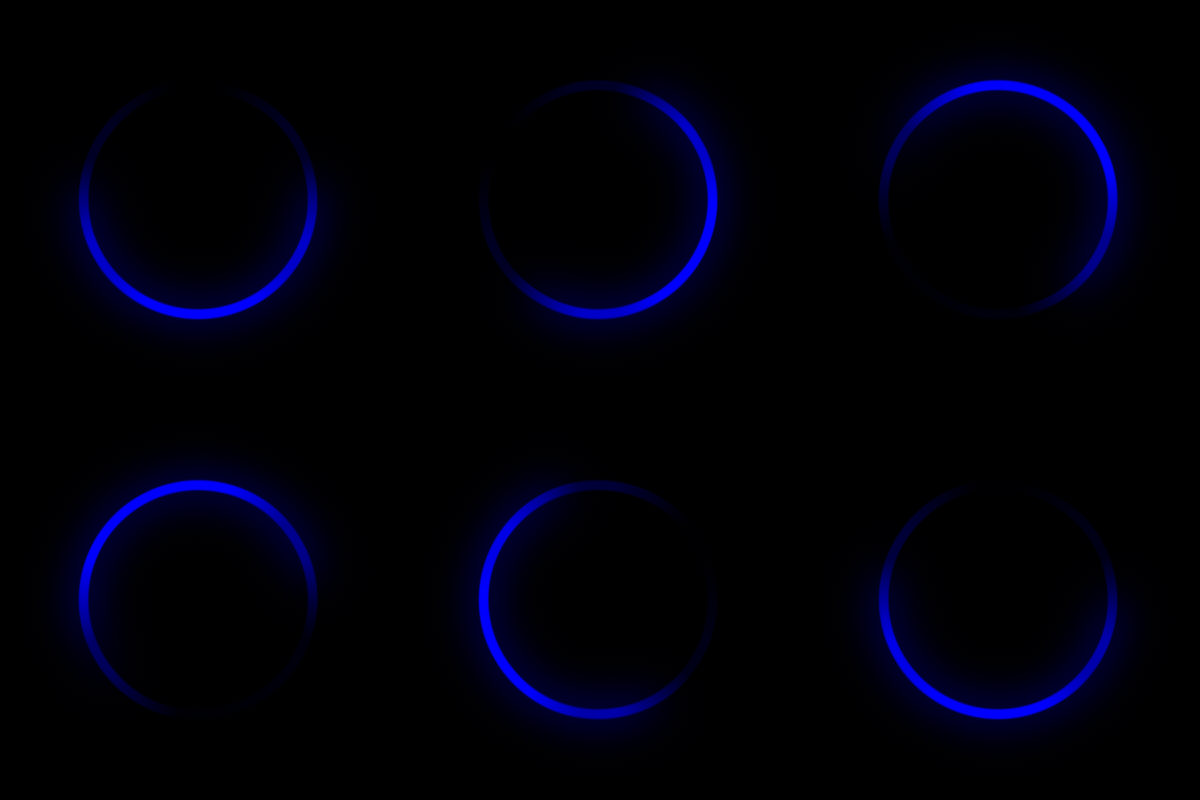
Blue counterclockwise swirl: Spot cleaning.
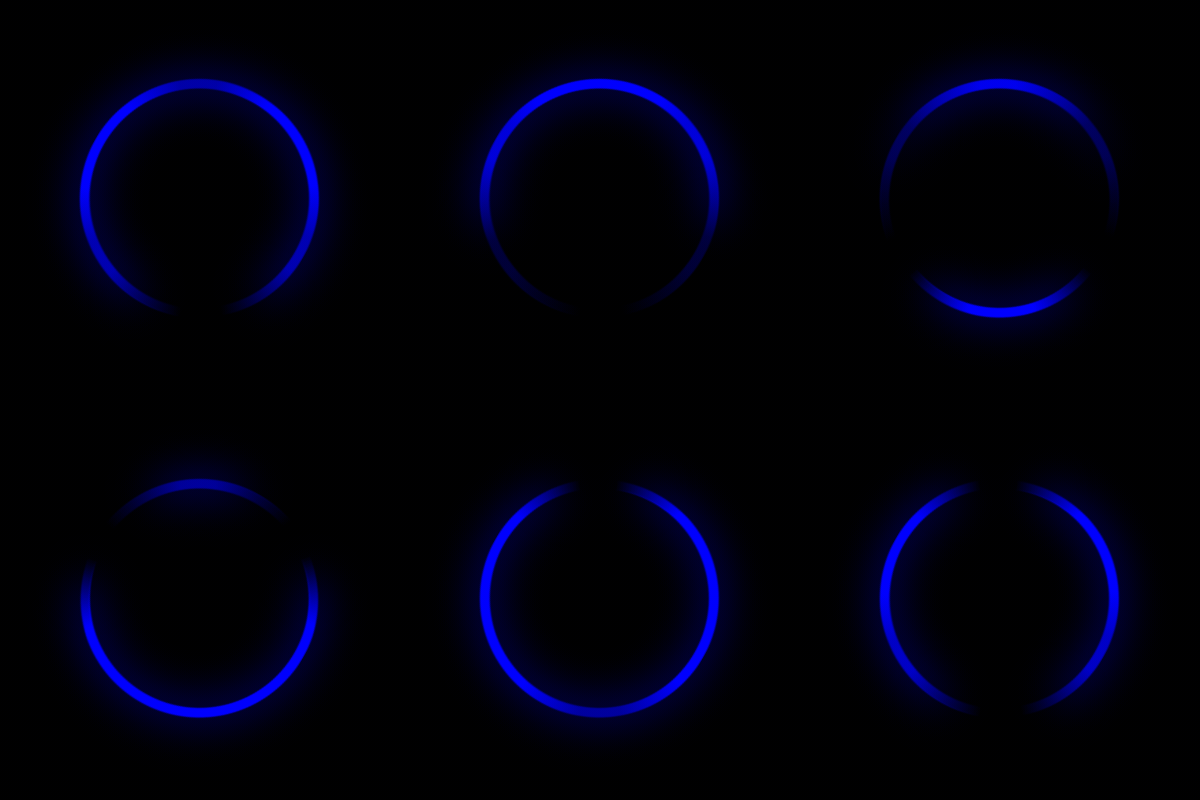
Blue marching forward: Driving back to the dock.
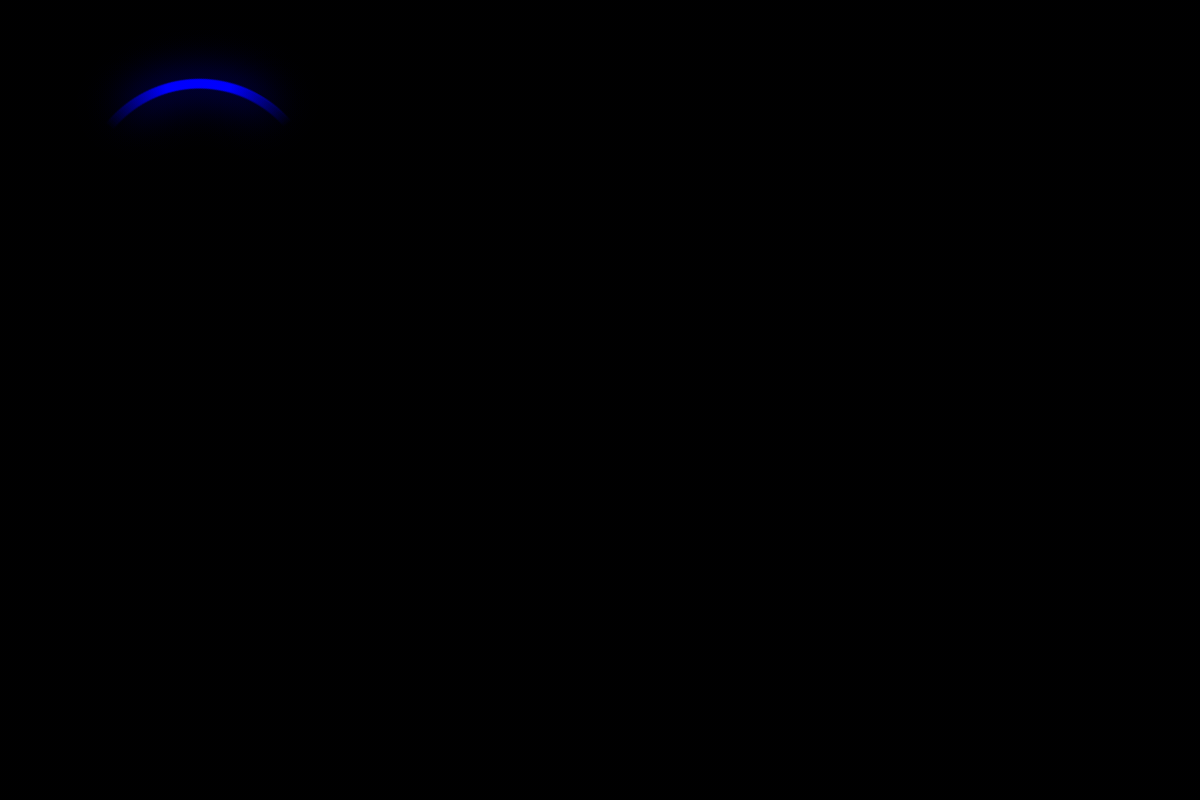
Blue ping: Virtual Wall or Keep Out Zone detected.
For j series, this could also mean an object to avoid is detected.
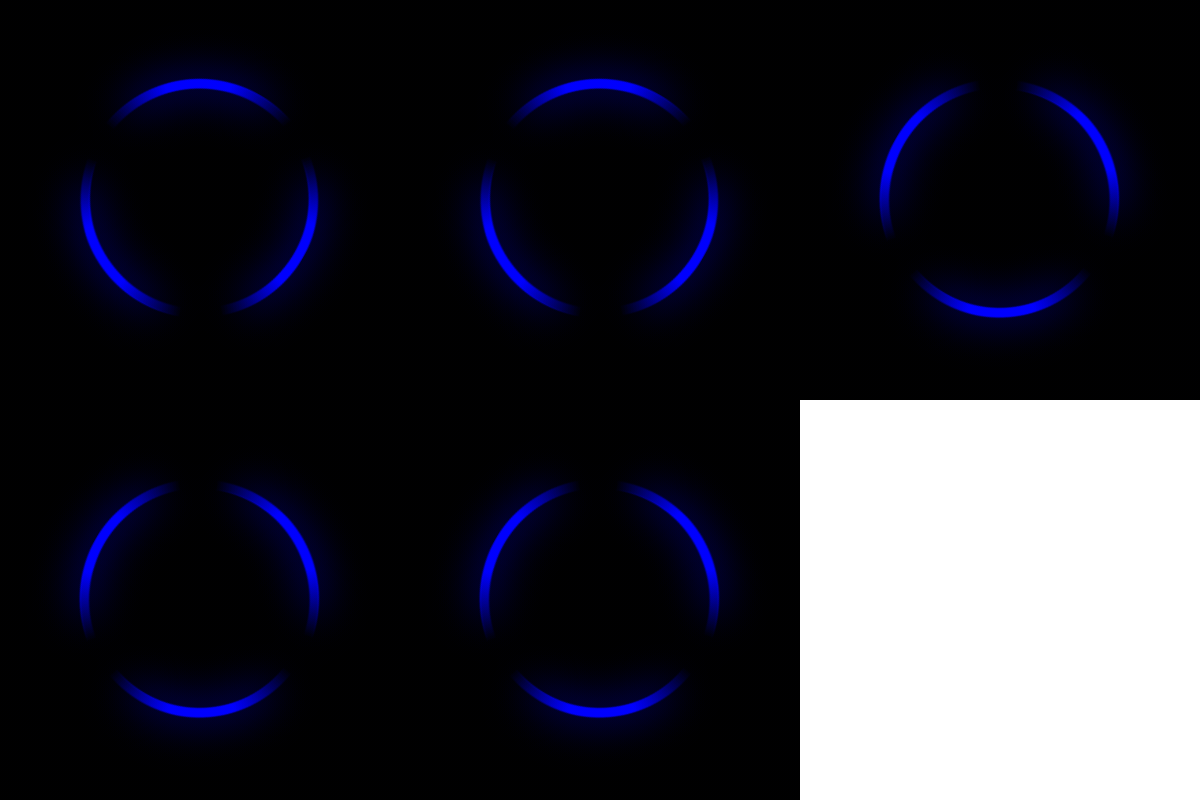
Flashing blue: Dirt Detect™ activated.
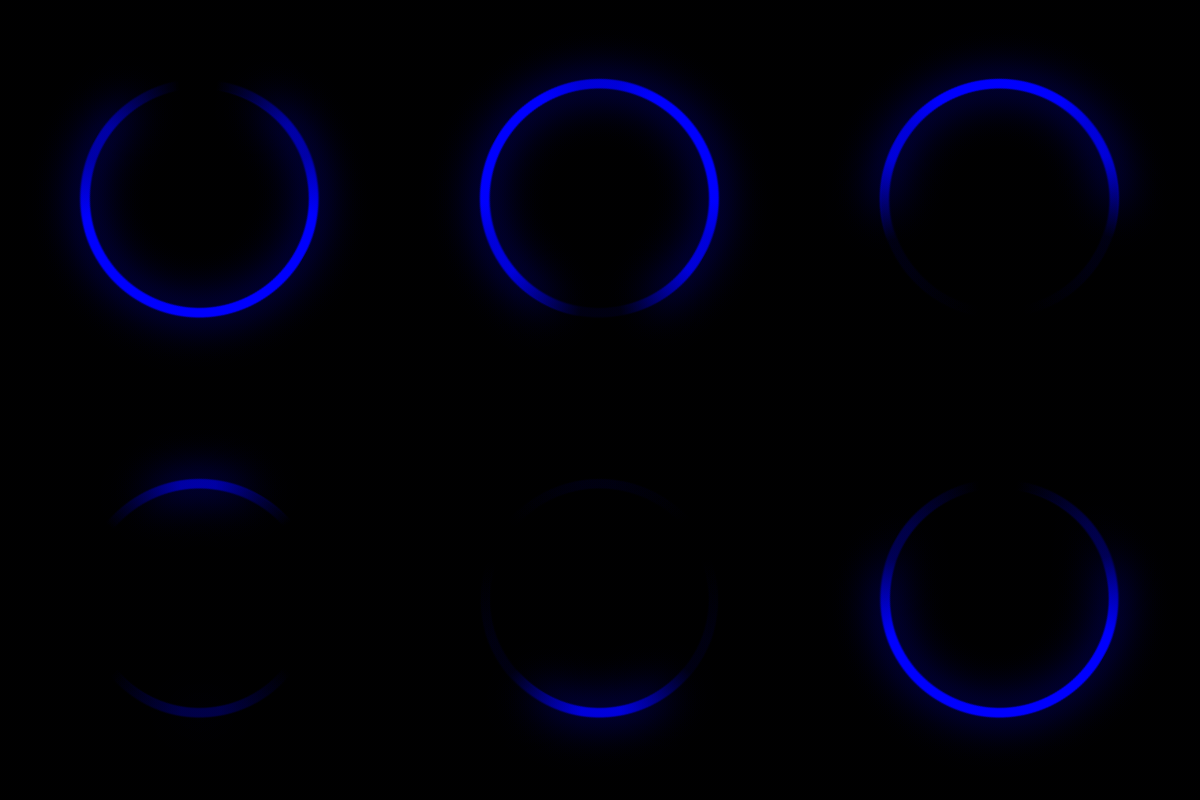
Blue sweep forward: Emptying bin into Clean Base™ Automatic Dirt Disposal.